
Clean — by Similarity API
Fuzzy match two CSV files
in seconds
Find rows that refer to the same person, company, or product across two files — even when spelling, casing, or formatting differs.
Drop file or browse
CSV, XLSX, or XLS · up to 10 MB
Drop file or browse
CSV, XLSX, or XLS · up to 10 MB
How It Works
How to fuzzy match two CSV files in 4 steps
Upload
Drop your two CSV or Excel files. No signup, no install, no data stored.
Pick match columns
Clean recommends which columns to match on — one column or several — and a similarity threshold. You can override it.
Review
See every matched pair with a similarity score, plus the rows in each file that did not match anything.
Download
Get the matched pairs as a single file, with scores and all the original columns.
FUZZY MATCHING ACROSS TWO FILES
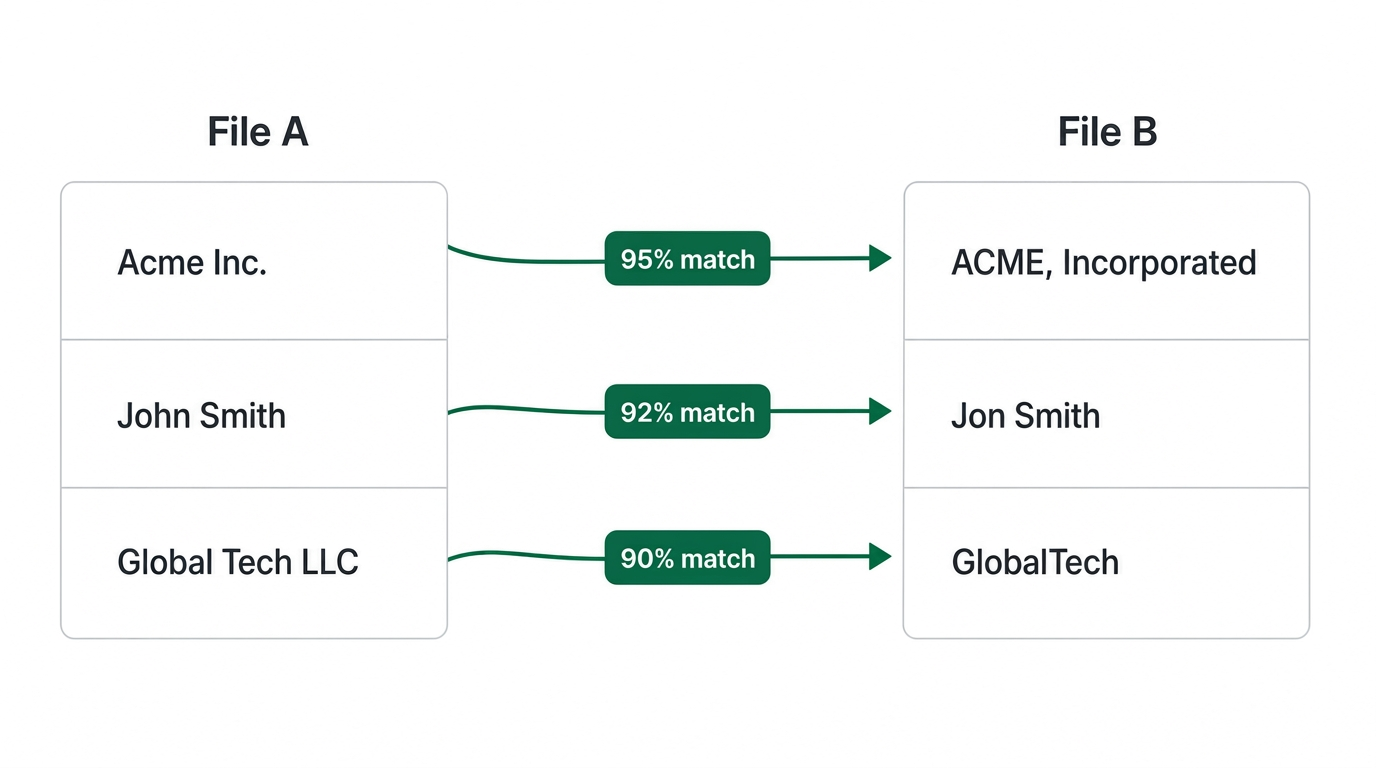
Find the same person, company, or product across two messy files.
Spot rows across your two files that refer to the same thing — even when the spelling, casing, or punctuation is different.
Why Clean
What Excel, LLMs and online tools miss when fuzzy matching two files
| Capability | Excel / Power Query | LLMs (ChatGPT, Claude) | Other online tools | Clean |
|---|---|---|---|---|
| AI-recommended matching columns | ||||
| Match on multiple columns at once | ||||
| Token sorting / normalised text tokens | ||||
| Punctuation & company suffix removal | ||||
| Case-insensitive + fuzzy text matching | ||||
| Handles 50k+ rows reliably | ||||
| Accuracy based on our public benchmark | ||||
| Browser-based, no install |
For the full methodology and results, read our public fuzzy-match benchmark →
Loved by data teams
What people say about Clean
"Matched a trade show list against our CRM by company name in under two minutes. It caught 'Acme Corp' vs 'Acme Corporation' vs 'ACME, Inc.' without me writing a single formula.”
Rahul Deshmukh
Demand Gen · B2B SaaS
"Way better than Excel's fuzzy lookup add-in. I can see the match score for every pair and decide the cutoff myself instead of trusting a black box.”
Chloe Bennett
Data Analyst · Media
"We reconcile partner lists with our accounts table every week. Clean gets me a clean overlap report — matched, close matches to review, and true net-new — in one download.”
Tomás Álvarez
Partnerships Ops · Fintech
Simple Pricing
Free for small files. Pay only for large Excel & CSV jobs.
Process up to 500 rows for free. Larger files are priced per run.
$0
Up to 500 rows
- Fuzzy deduplication
- Multi-column matching
- Instant download
Large File
$0.99+
501 – 100,000 rows
- Up to 3,000 rows — $0.99
- Up to 10,000 rows — $1.99
- Up to 25,000 rows — $4.99
- Up to 50,000 rows — $9.99
- Up to 100,000 rows — $19.99
Monthly Unlimited
$99.99/mo
Unlimited uploads
- Up to 10 MB per file
- Unlimited file upload / deduplication
- Priority customer support
- Cancel anytime
Learn more
Guides for matching two lists
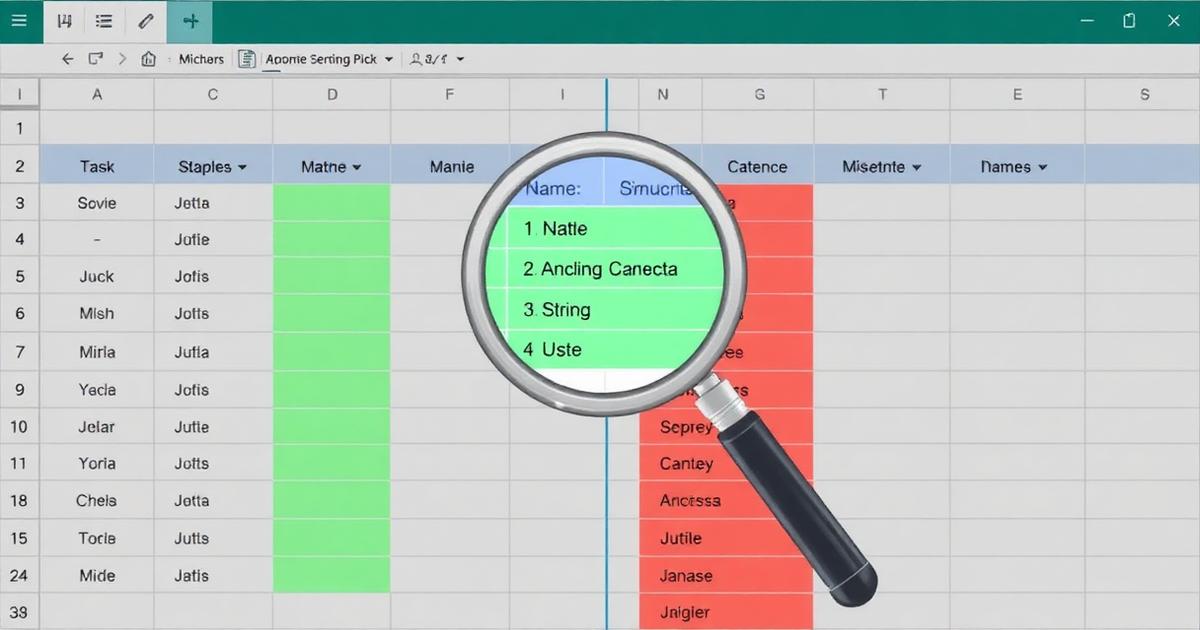
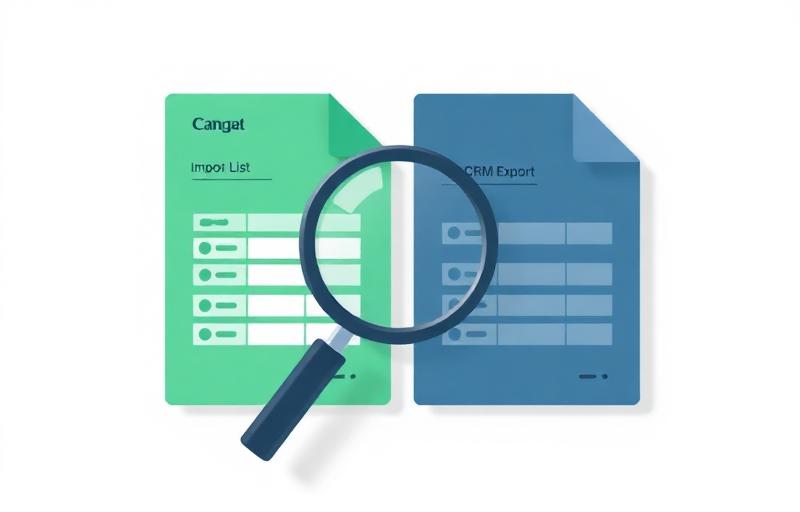
Step-by-step articles on reconciling CRM imports, trade-show lists, and vendor exports.









FAQ