
Clean — by Similarity API
Compare two CSV files
— see what changed
Upload two versions of the same list. Clean highlights every added, removed, changed, and unchanged row — no formulas, no sign-up, no install.
Drop file or browse
CSV, XLSX, or XLS · up to 10 MB
Drop file or browse
CSV, XLSX, or XLS · up to 10 MB
How It Works
How to compare two CSV files in 4 steps
Upload
Drop your two CSV or Excel files. No signup, no install, no data stored.
Auto-configure
Clean reads both files and recommends the comparison key and columns. You can switch methods and tune settings before running.
Review
See what was added, removed, changed or unchanged.
Download Results
Get a clean diff report with Added, Removed, Changed and Unchanged sheets.
Download a Sample ReportRow-by-row diff
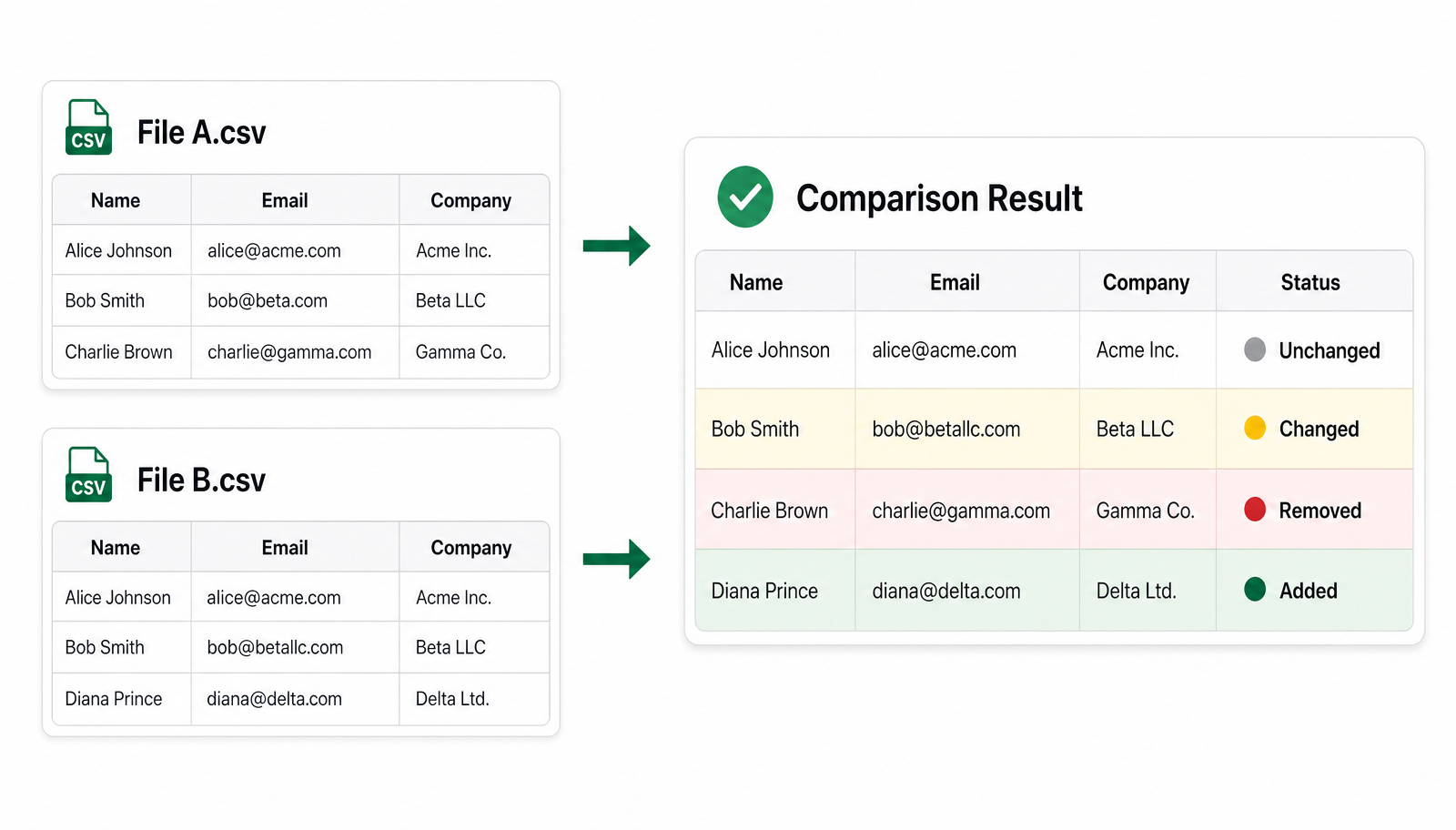
See exactly what changed between two CSV files.
See every row that was added, removed, changed, or left untouched between the two files — all colour-coded in one place.
Why Clean
Why spreadsheets fall apart when you need to compare two files
| EXCEL / GOOGLE SHEETS | OTHER ONLINE TOOLS | Clean | |
|---|---|---|---|
| Compares across multiple columns | Some | ||
| Lets you switch between fuzzy match, exact join, and diff in one tool | |||
| Tells you upfront which approach fits your two files | |||
| Works on large files (50k+ rows combined) | Time out | ||
| Browser-based — no formulas, no add-in | Some |
Loved by data teams
What people say about Clean
"We compare weekly funnel exports in minutes instead of an afternoon of side-by-side spreadsheets.”
Priya Ramanathan
Data Analyst · Fintech
"Replaces the INDEX/MATCH + VLOOKUP dance I used to do every time two files had to be compared.”
Marcus Bellini
Ops Lead · Wholesale Distribution
"I send the diff report straight to Salesforce ops. No back-and-forth about what changed between exports.”
Hannah Vestergaard
RevOps · B2B SaaS
Simple Pricing
Free for small files. Pay only for large Excel & CSV jobs.
Process up to 500 rows for free. Larger files are priced per run.
$0
Up to 500 rows
- Fuzzy deduplication
- Multi-column matching
- Instant download
Large File
$0.99+
501 – 100,000 rows
- Up to 3,000 rows — $0.99
- Up to 10,000 rows — $1.99
- Up to 25,000 rows — $4.99
- Up to 50,000 rows — $9.99
- Up to 100,000 rows — $19.99
Monthly Unlimited
$99.99/mo
Unlimited uploads
- Up to 10 MB per file
- Unlimited file upload / deduplication
- Priority customer support
- Cancel anytime
Learn more
Guides for matching two lists
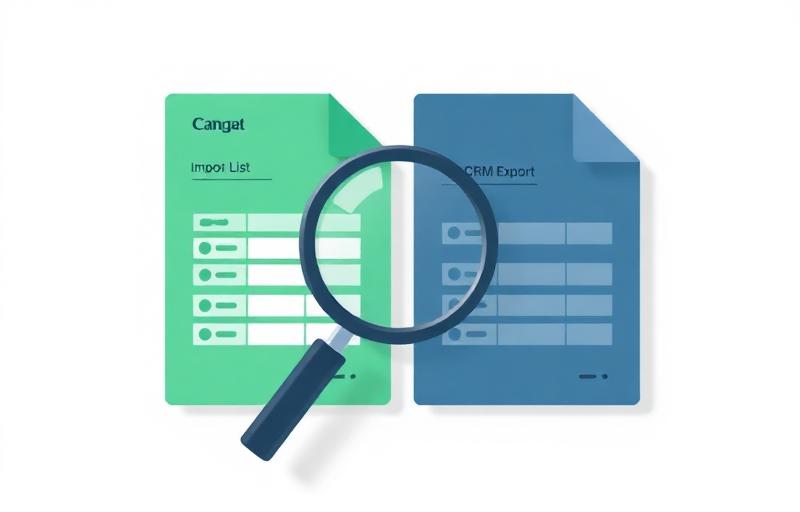
Step-by-step articles on reconciling CRM imports, trade-show lists, and vendor exports.









FAQ