
Our Blog
Insights, tutorials, and updates about text similarity matching and our API.

Fuzzy Matching Two CSV Files Online in 2026: We Tested 7 Tools on 2,050 Rows
We tested 7 online tools on two CSVs with 950 known fuzzy matches across seven identity fields. Clean recovered 949 of 950 — here is why it outperformed.

How to Join Two CSV Files Online in 2026 — Not Just Stack Them Together
Most online CSV merge tools only stack files together. Here's how to actually match rows and combine columns from two CSV or Excel files — on one column or several at once.

CSV Deduplication Online in 2026: We Benchmarked 16 Tools on 5,000 Rows
We ran the same 5,000-row dataset — 22 exact duplicates and 228 near-duplicates — through every online CSV deduplication tool we could find. Most do exact matching only. The fuzzy ones diverge wildly. Here's the full benchmark.

Fuzzy Matching in Excel (2026): Why It's Still Broken — and the Fastest Fix
Excel still can't deduplicate names like "Acme Corp" and "Acme Corporation" in 2026. Here's exactly why, what breaks, and how to do it in under 2 minutes with a free online tool.

Exported Passwords from Chrome or Opera? Here's How to Remove Duplicates Before Importing
Browser password exports are full of duplicates — same site saved under dozens of different URLs. Here's how to clean up your CSV before importing to Bitwarden, 1Password, or any other password manager.

How to Find Duplicate Customers with Different Emails in a Store Export
Your store counts them as two customers. Same name, same address, different email. Here's how to find and fix duplicate customer records in any export file — no coding needed.

Duplicate Customers in Your Shopify or Squarespace Export? Fix It in Under 5 Minutes
Same person, two emails — your platform doesn't catch it, but your open rates and segments do. Here's how to find duplicate customers in a Shopify or Squarespace export in under 5 minutes.

How to Match Two Spreadsheets by Name When You Don't Have a Shared Email
When two spreadsheets don't share a common email address, matching by name is the only option — but VLOOKUP on names fails. Here's what actually works.

How to Find Overlap Between Two Email Lists Before Sending a Campaign
Sending a cold outreach campaign to existing customers is an easy mistake to make — and hard to undo. Here's how to find the overlap between two email lists before hitting send.

Deduplify vs Clean: Best Free CSV Deduplication Tool?
Deduplify caps you at 2,000 rows with no paid option. Here's how it compares to Clean — and which one is right for your file size and use case.

Datablist vs Clean: Which CSV Dedupe Tool to Pick
Datablist is a powerful lead intelligence platform — but if you just need to deduplicate a CSV file, it's more tool than the job requires. Here's how the two compare.

The Best Free Match2Lists Alternative for Fuzzy Matching Two Lists
Match2Lists starts at $95/month with no free tier. Here are the best alternatives for fuzzy matching two CSV files — including a free option that handles name variants and multi-column matching.

How to Compare Two Contact Lists Without Excel
Excel's VLOOKUP misses contacts with different name spellings or missing emails. Here's how to compare two contact lists and actually find all the overlap — no formulas required.

How to Check If Your Apollo Export Overlaps with Your Existing CRM Data
Before importing an Apollo, ZoomInfo, or Lusha export, find out how many of those contacts already exist in your CRM — and which ones are genuinely new.

How to Find Net-New Contacts from a Trade Show Lead List
Not everyone who scanned their badge at your booth is a new lead. Here's how to find out which contacts from a trade show are genuinely new before you import them to your CRM.
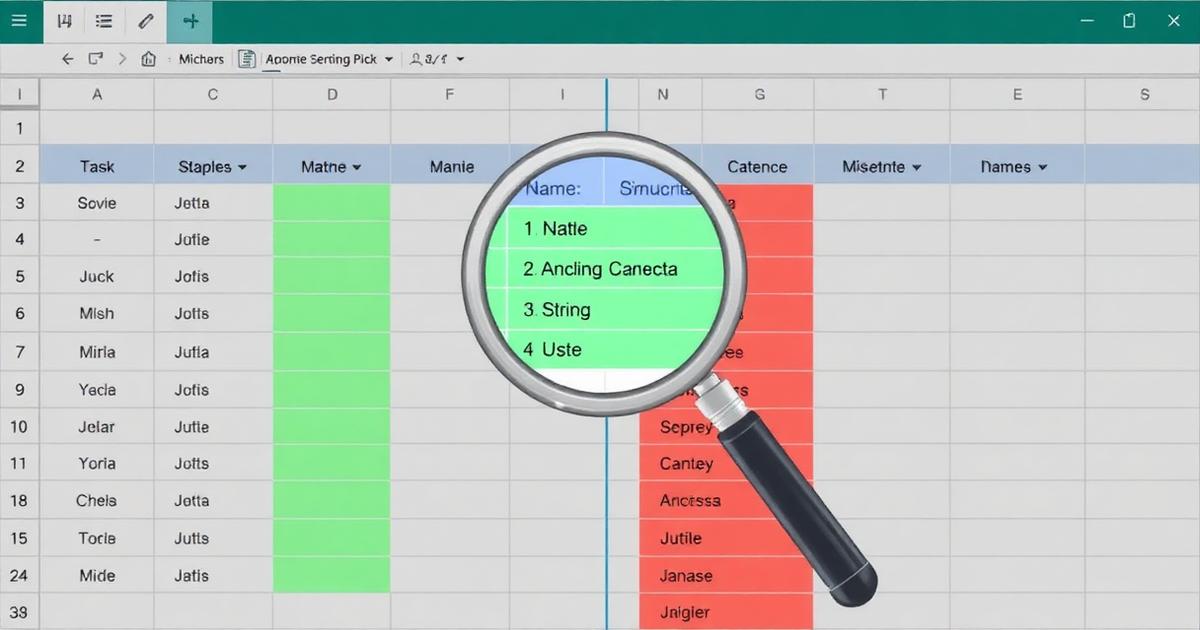
VLOOKUP Alternative: Fuzzy Match Two Lists When Names Don't Match
VLOOKUP returns #N/A when names are spelled differently. Here's what to use instead when you need to match two lists where the data isn't perfectly consistent.
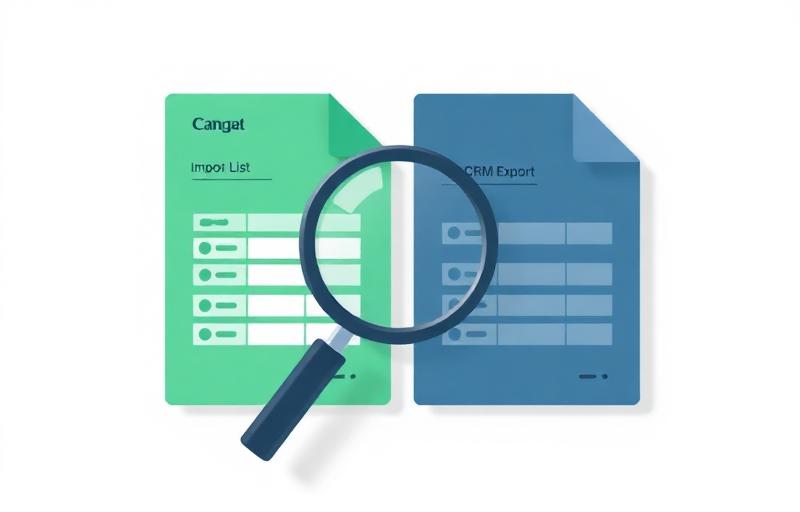
How to Check If Contacts Are Already in Your CRM Before Importing
Every CRM deduplicates on exact email match — which means name variants slip through as new records. Here's how to actually check which contacts already exist before you import.

How to Clean an Apollo, ZoomInfo, or Lusha Export Before Importing to Your CRM
Data vendor exports from Apollo, ZoomInfo, and Lusha are full of duplicate company names and contacts that already exist in your CRM. Here's how to clean them before importing.

How to Deduplicate a LinkedIn Sales Navigator Export Before Uploading to Your CRM
Sales Navigator exports are full of duplicate company names and near-identical contacts. Here's how to clean them before they pollute your CRM.

How to Dedupe Your Contact List Before a CRM Migration
CRM migrations create more duplicates than almost any other event. Here's how to clean your contact and company data before you move it — so you start fresh, not messy.

Dedupe Checklist: Cleaning Contacts Before HubSpot or Salesforce Import
A practical checklist for cleaning contact and company data before importing to HubSpot or Salesforce — so you don't spend hours fixing duplicates and bad records afterward.

How to Remove Duplicate Company Names in Google Sheets (And Why It Misses Most of Them)
Google Sheets' Remove Duplicates only catches exact matches — "Acme Corp" and "Acme Corporation" both survive. Here's why, and what to do instead.

Best Free CSV Deduplication Tools in 2026 (Compared)
Most CSV deduplication tools only catch exact matches. Here's an honest comparison of the best free options — what each actually does, who it's for, and which ones catch real-world name variants.

RapidFuzz vs TheFuzz vs python-Levenshtein: 2026 Fuzzy Matching Benchmark (10K → 1M rows)
We benchmarked Similarity API against RapidFuzz, TheFuzz, and python-Levenshtein at 10K, 100K, and 1M rows. The results aren't close.

Fuzzy-match millions of rows in Databricks (2026)
A step-by-step notebook workflow: export, match via Similarity API, and land results back into Delta.

Fuzzy-match a million rows in under 10 minutes
A practical walkthrough showing how to deduplicate a million rows of real-world data in under 10 minutes using Similarity API.

How to match a 1M-row dataset to a canonical reference in under 10 minutes (2026 guide)
Learn how to match a 1M-row dataset to a canonical reference in under 10 minutes. Avoid brute-force similarity joins, brittle scripts, and custom candidate-generation pipelines with a scalable reconciliation API.

How to Match Salesforce Leads to Existing Contacts at Scale
Learn how Salesforce teams reconcile leads against existing contacts to prevent duplicate pipeline, improve routing accuracy, and maintain clean CRM reporting at scale.

How to Fuzzy Match Two Lists: Trade Show Export vs CRM (No Code)
VLOOKUP misses contacts that exist under a different name or email. Here's how to fuzzy match two lists — trade show exports, enriched leads, CRM exports — to find who's already there before you create duplicates.
How to Deduplicate Account and Contact Records Before Importing to Salesforce
Salesforce deduplicates contacts on email and accounts on name — but only exact matches. Here's what slips through and how to clean your file before it creates a duplicate problem.

Best Free Alternatives to OpenRefine for Deduplicating Contact Lists in 2026
OpenRefine is powerful but built for data engineers. If you need to deduplicate a contact list or remove duplicate company names before a CRM import, here are the better options in 2026.

How to Deduplicate Your Contact List Before Importing to HubSpot
HubSpot only deduplicates on email address — which means it misses most real-world duplicates. Here's what to clean before you hit import, and how to do it without code.
How to Find & Merge Duplicate Company Names in a Spreadsheet or CSV
Excel's Remove Duplicates misses most company name duplicates. Here's why — and how to actually find and merge records when names are spelled differently.

Why It Rarely Makes Sense to Build Fuzzy Matching Yourself in 2026
The hard part isn't scoring string similarity — it's the full pipeline around it. Here's why most teams are better off not building it.

How Similarity API Works
Most teams don't struggle because they lack a similarity function. They struggle because fuzzy matching in production quickly becomes a pipeline.

How Similarity API Mimics the Ideal Fuzzy-Matching Pipeline Engineers Would Build
Experienced engineers converge toward similar architectures for large-scale fuzzy matching. Similarity API reflects that convergence.

Why Similarity API Is Not Hard to Tune
Fuzzy matching systems often become hard to tune because of preprocessing, blocking, and threshold design. Learn why sensible defaults and practical controls matter more.

Why Fuzzy Matching at Scale Stops Being a Library Problem
Fuzzy matching libraries solve similarity scoring but not large-scale matching workflows. Learn why it becomes a system design challenge.

Using Similarity API Across Your Stack
Standardizing fuzzy-matching behaviour across tools and workflows helps teams maintain consistent deduplication and reconciliation outcomes at scale.

From One-Off Dedupe Task to Core Data Capability
Fuzzy matching often begins as a one-off deduplication task but quickly becomes a recurring need. Unifying matching logic into a consistent capability helps improve data quality and operational efficiency.

How to fuzzy-match 1M rows with dbt in under 10 minutes (2026 guide)
Learn how to fuzzy-match 1 million rows with dbt in under 10 minutes. Avoid brittle Python scripts, warehouse-native limits, and custom blocking pipelines with a scalable deduplication API.

Fuzzy Matching at Scale: What Changes as Data Grows
A practical guide to how fuzzy matching changes as datasets grow from small cleanups to production-scale pipelines.